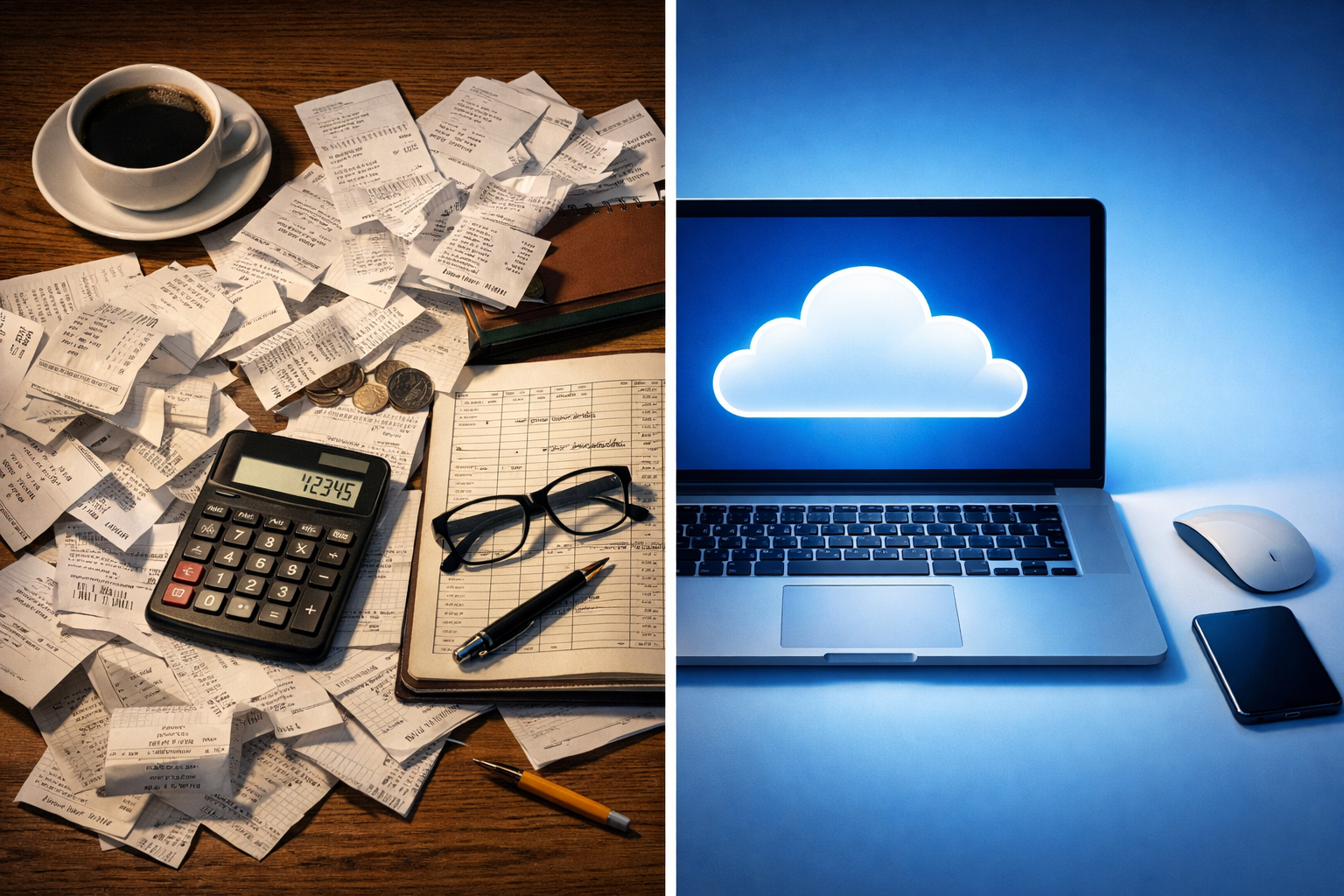
There’s a moment — and most business owners know exactly the one — where you’re staring at a shoebox of receipts at midnight, wondering how it all got so chaotic. Then someone mentions cloud accounting, and your first instinct isn’t excitement. It’s suspicion.
Is cloud accounting safe? It’s the right question to ask. And the fact that you’re asking it, rather than just clicking “sign up free” without a second thought, says something good about how you run your business.
Here’s the honest truth: cloud accounting is neither the magical fortress some software companies claim, nor the leaky sieve that anxious IT departments occasionally make it sound. The reality is more nuanced — and far more useful to understand properly.
So What Even Is Cloud Accounting, and Why Are People So Nervous About It?
At its core, cloud accounting means your financial data lives on remote servers rather than on your office computer or a filing cabinet. Software like Xero, QuickBooks, Sage, and FreeAgent all operate this way. You log in via browser or app, your figures are synced in real time, and your accountant can see the same dashboard you’re looking at — no emailing spreadsheets back and forth.
The nervousness is understandable. You’re essentially trusting a third-party server farm somewhere with your business’s entire financial identity. Bank details. Payroll figures. VAT records. The sort of data that, if it ended up in the wrong hands, could be genuinely catastrophic.
But here’s what people often miss: that shoebox on your desk, or the spreadsheet on your laptop’s desktop, is almost certainly less secure than a well-configured cloud accounting safe platform. Most small business data breaches don’t happen because Xero got hacked. They happen because someone clicked a dodgy email link, or used “password1” for everything, or left a laptop on the train.
The Architecture of Security: What Reputable Platforms Actually Do
This is the bit that tends to get glossed over in marketing materials, buried under testimonials and pricing tables. So let’s actually look at it.
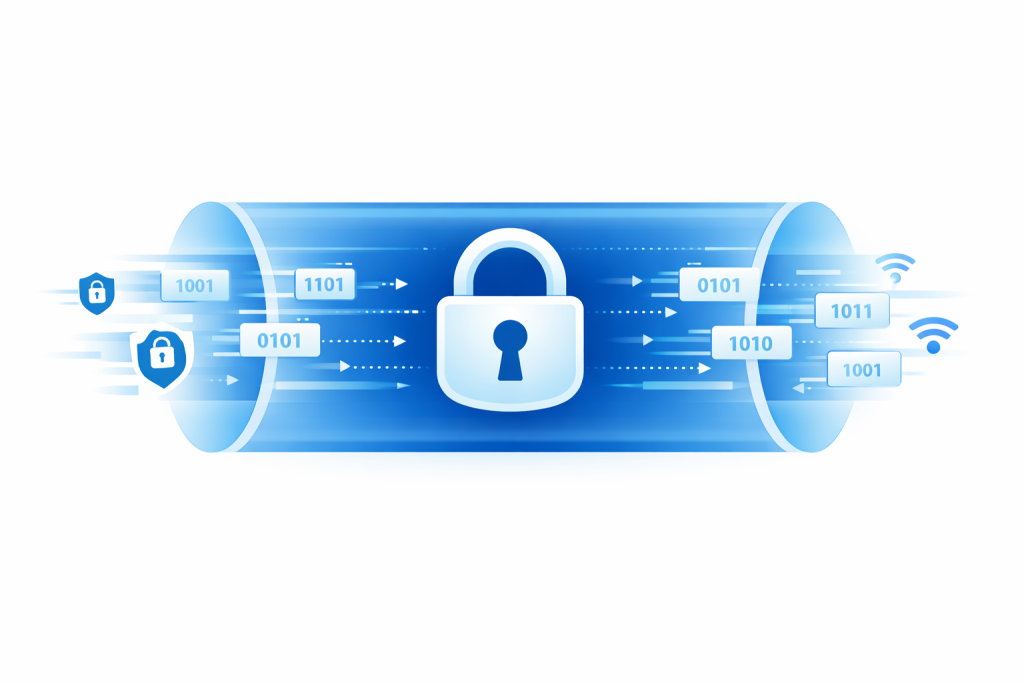
Major cloud accounting providers typically deploy what’s called AES-256 encryption — the same standard used by banks and intelligence agencies. Your data is encrypted both when it’s stored (at rest) and when it’s moving between your browser and their servers (in transit). That last part matters enormously. Every time you log in or pull a report, that data is wrapped in a cryptographic shell that would take longer to crack than the universe has existed.
They also run on infrastructure like Amazon Web Services or Microsoft Azure — platforms that have entire teams dedicated to nothing but security. Not one IT manager with a coffee and a prayer. Dedicated specialists, round-the-clock monitoring, redundant data centres.
Two-factor authentication (2FA) is now standard on every serious platform. If someone somehow gets your password, they still can’t log in without that six-digit code from your phone. It’s a genuinely significant barrier.
| Security Feature | Cloud Accounting Platforms | Traditional Local Setup |
|---|---|---|
| Data Encryption | AES-256 (bank-grade) | Varies — often none by default |
| Automatic Backups | Daily or real-time, off-site | Manual — if remembered |
| Access Control | Role-based, per-user permissions | Typically file-level, limited |
| Disaster Recovery | Built into infrastructure | Depends entirely on your setup |
| Security Monitoring | 24/7 automated + human oversight | None, typically |
| Software Updates/Patches | Automatic | Manual — often delayed or skipped |
The table above compares what most cloud accounting safe platforms offer out of the box versus a typical small business local setup. The gap is wider than most people realise.
The Risks That Nobody Likes to Talk About Plainly
Right. So cloud accounting is technically impressive. But is cloud accounting safe in practice? That requires a more honest conversation.
The weak link is almost always the human being at the keyboard.
Phishing attacks — fake emails designed to harvest login credentials — are enormously effective. You might receive something that looks exactly like a notification from Xero saying your account needs verification. One click, and whoever sent it has your username and password. This isn’t a hypothetical; it’s the most common route into business accounts of any kind.
Then there’s the question of who else has access. Cloud accounting platforms let you add multiple users, which is genuinely useful when you’re working with an accountant on your bookkeeping or getting support with accounts and tax. But if an old employee’s login credentials are still active — someone who left six months ago — that’s a door you’ve left unlocked.
Also: third-party integrations. Most cloud accounting software connects to payment processors, e-commerce platforms, payroll tools. Each connection is a potential vulnerability if that third party’s own security is weaker than the main platform. Always check what you’re connecting and why.
⚠️ One thing to do this week: Log into your cloud accounting platform right now and check the user list. Remove anyone who doesn’t actively need access. It takes three minutes and it matters.
What UK Regulations Actually Require (And Why HMRC Is Pushing You This Way)
Here’s an irony worth sitting with: HMRC’s own Making Tax Digital (MTD) initiative is essentially nudging UK businesses toward digital, cloud-based record-keeping. If you’re VAT-registered, you’re already required to keep digital records and file digitally. For income tax, MTD for ITSA rolls out gradually from April 2026, drawing in sole traders and landlords with income above £50,000 first.
The government’s position is clear: the future is digital. Which rather undercuts the argument that cloud accounting is inherently riskier than paper records. HMRC doesn’t mandate paper; it’s actively phasing it out.
UK data protection law — specifically the UK GDPR — also applies to how your cloud provider handles your data. Reputable providers are typically registered with the ICO and maintain compliance documentation. If you’re choosing a provider, it’s worth checking whether they store data in the UK or EU (for GDPR alignment), and what their data breach notification policy looks like.
The Information Commissioner’s Office (ICO) publishes guidance on cloud service compliance that’s worth bookmarking if you handle any client or employee data through your accounting software.
The Comparison That Actually Matters: Cloud vs. What You’re Probably Doing Now
Let’s talk about the alternative, because the alternative isn’t Fort Knox.
Most small businesses that aren’t using cloud accounting are doing some combination of: spreadsheets saved to a single computer, paper receipts in a folder or — yes — a shoebox, emailing files to their accountant which then sit in someone’s inbox, and USB drives that get misplaced.
None of that is inherently safer than cloud accounting. A laptop fire, a hard drive failure, a disgruntled employee copying your spreadsheets on the way out the door — all entirely possible. Cloud accounting platforms maintain redundant backups across multiple data centres. If a server fails, another takes over. Your data doesn’t disappear because someone dropped a hard drive.
The risk isn’t really cloud vs. paper. The risk is unmanaged vs. managed.
Choosing a Platform: What to Actually Look For
Not all cloud accounting software is equal. Before committing, these are the questions worth asking:
- Where is your data stored? UK and EU-based servers are preferable for data sovereignty reasons.
- What’s the uptime guarantee? Look for 99.9% or higher. Downtime during year-end is not the time to discover your platform is unreliable.
- Can you export your data easily? Vendor lock-in is a real thing. Make sure you can get your data out if you ever want to switch.
- What happens if the company folds? This sounds unlikely for established providers, but smaller niche tools occasionally disappear.
- Is the software compliant with MTD? Given HMRC’s roadmap, this is increasingly non-negotiable.
| Platform | UK MTD Compliant | 2FA Available | Data Residency | Roughly Suited To |
|---|---|---|---|---|
| Xero | ✓ Yes | ✓ Yes | UK/EU/Global | SMEs, growing businesses |
| QuickBooks | ✓ Yes | ✓ Yes | UK/US servers | Freelancers to mid-size |
| Sage Business Cloud | ✓ Yes | ✓ Yes | UK-based | Established SMEs |
| FreeAgent | ✓ Yes | ✓ Yes | UK-based (NatWest group) | Freelancers, sole traders |
Note: Always verify current specifications directly with providers, as features and data policies do change.
What Good Practice Actually Looks Like Day-to-Day
Choosing a secure platform is step one. What you do after login matters just as much.
Use a unique, strong password for your accounting software — not the same one you use for your email or your Netflix account. A password manager like Bitwarden (free) or 1Password makes this genuinely easy. Enable 2FA. Set it up today if you haven’t already.
Review user access quarterly. It takes ten minutes. Every person who has access to your financial data should actively need it. Former bookkeepers, old business partners, that freelancer who helped you sort out payroll two years ago — check the list.
If you’re working with an external accountant on services like payroll management or VAT returns, ensure they have their own login rather than using yours. Most platforms have accountant-specific access levels that give them what they need without handing over full admin control.
And — this sounds obvious but apparently needs saying — don’t access your accounting platform on public Wi-Fi without a VPN. Coffee shop internet is fine for reading the news. Not for pulling payroll records.
💡 Practical tip: Most cloud accounting platforms have an audit log or activity history. Turn it on if it’s not already active. You’ll be able to see every login, every report exported, every change made. If something looks odd, you’ll catch it early.
Cloud Accounting and Making Tax Digital: The Bigger Picture
There’s a reasonable argument that asking “is cloud accounting safe?” is starting to feel a bit like asking whether email is safe. The answer is nuanced, but the direction of travel is clear. Businesses that adapt to digital financial management now will be better placed when MTD becomes mandatory across more tax types.
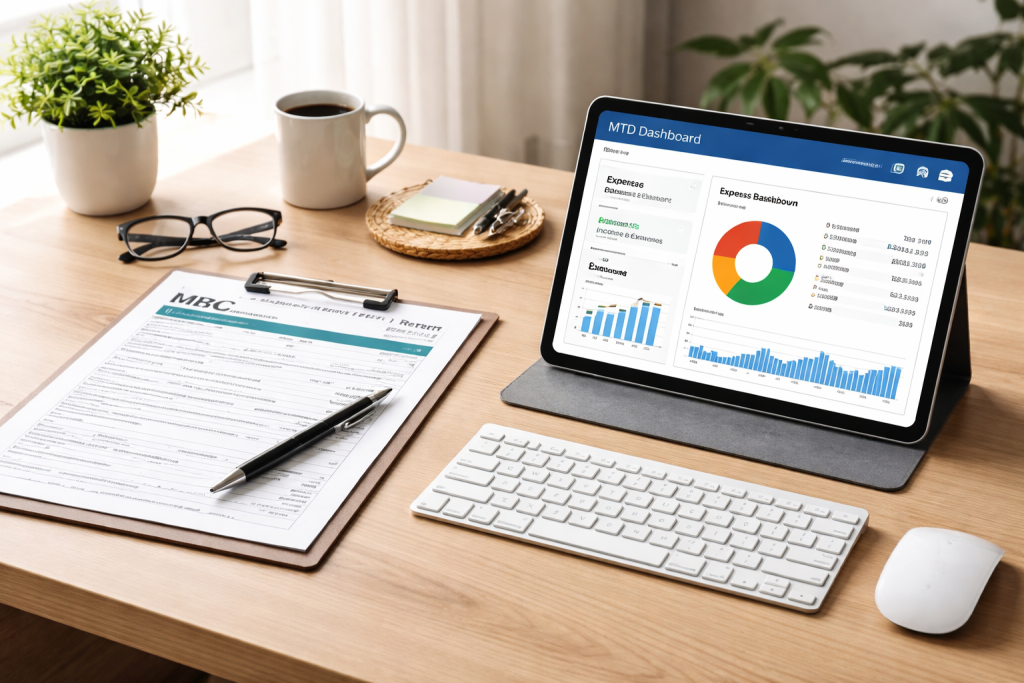
London businesses in particular are making this switch rapidly, and for good reason — the combination of real-time data, remote accountant collaboration, and MTD compliance makes cloud accounting not just convenient but strategically sensible.
The cloud accounting services available to UK businesses today are genuinely sophisticated. The question isn’t really whether to adopt cloud accounting. It’s whether you’re adopting it thoughtfully.
When Things Go Wrong: Breaches, Downtime, and What Happens Next
Let’s not pretend problems never occur. Even major platforms experience outages. Data breaches at cloud providers do happen, though they’re far rarer than breaches of individual business systems.
If a provider suffers a breach, UK GDPR requires them to notify the ICO within 72 hours and to inform affected users if there’s significant risk to their data. That’s a legal obligation, not a courtesy. Compare this to a breach of your local PC — you might not even know it happened until the damage is done.
Most reputable providers carry cyber insurance and publish transparency reports detailing any security incidents. This level of accountability simply doesn’t exist for a spreadsheet on your desktop.
What should you do if your cloud accounting credentials are compromised? Change your password immediately. Revoke access for any devices or sessions you don’t recognise. Notify your accountant. And if the breach involved employee or client financial data, you’ll need to consider your own GDPR notification obligations too.
The Role of Your Accountant in All of This
Here’s something that sometimes gets lost in the cloud accounting conversation: a good accountant isn’t just a passive consumer of your data. They should be actively helping you set up your platform correctly, advising on access controls, and flagging anything that looks unusual in your records.
At Ask Accountant, the team works with clients across a range of accounting and bookkeeping services, including business advice, corporate tax planning, and business growth planning. The shift toward cloud-based systems has actually made collaboration significantly easier — real-time data means fewer surprises at year-end and more proactive advice throughout the year.
If you’re considering making the switch — or you’re already using cloud accounting but not sure whether your setup is as secure as it should be — it’s worth having a conversation with an accountant who understands both the financial and the practical dimensions.
Frequently Asked Questions
Is cloud accounting safe for small businesses?
Yes, in most cases cloud accounting is safer than the alternatives small businesses typically use. Major platforms employ bank-grade encryption, automatic backups, and 24/7 monitoring. The main risks come from poor user habits — weak passwords, not enabling two-factor authentication, or leaving old employees’ access active.
What happens to my data if my cloud accounting provider goes bust?
Most reputable providers have data portability policies that let you export your records before service ends. This is why it’s worth choosing established platforms and regularly exporting backups of your data as a precaution.
Can my accountant access my cloud accounting data without my permission?
No. They need to be explicitly invited to your account. Access can be set to read-only or with specific permissions. You remain in control and can revoke access at any time.
Is cloud accounting GDPR compliant?
Major UK cloud accounting providers maintain GDPR compliance and are registered with the ICO. However, you as the business owner are also a data controller — how you use and share the data within the platform is your responsibility too.
Does HMRC require cloud accounting?
HMRC’s Making Tax Digital initiative requires digital record-keeping and digital submission for VAT-registered businesses already, and extends to income tax from April 2026. Cloud accounting is the most straightforward way to meet these requirements. Learn more about tax compliance.
What is the biggest security risk with cloud accounting?
Human error. Phishing attacks, reused passwords, and failure to enable two-factor authentication account for the vast majority of account compromises. The platforms themselves are rarely the weakest link.
How do I know if my cloud accounting software is secure enough?
Look for AES-256 encryption, two-factor authentication, a clear data breach notification policy, and evidence of ISO 27001 certification or SOC 2 compliance. All major UK-facing platforms meet these standards.
The Bottom Line
Cloud accounting is safe — measurably, demonstrably safer than most of the alternatives businesses were using before it existed. But “safe” is never absolute with anything that involves internet access and human beings.
The real question isn’t whether cloud accounting is safe. It’s whether you’re using it safely. Enable 2FA. Manage your user access. Use strong, unique passwords. Work with an accountant who understands the tools you’re using.
If you’d like a clear-eyed conversation about whether your current accounting setup — cloud-based or otherwise — is working as hard as it should for your business, the team at Ask Accountant is based at 178 Merton High St, London SW19 1AY and can be reached on +44(0)20 8543 1991. They offer business accounting services, bookkeeping, and cloud accounting support — practical advice rather than sales patter.
Your data deserves better than a shoebox. And so does your peace of mind.