
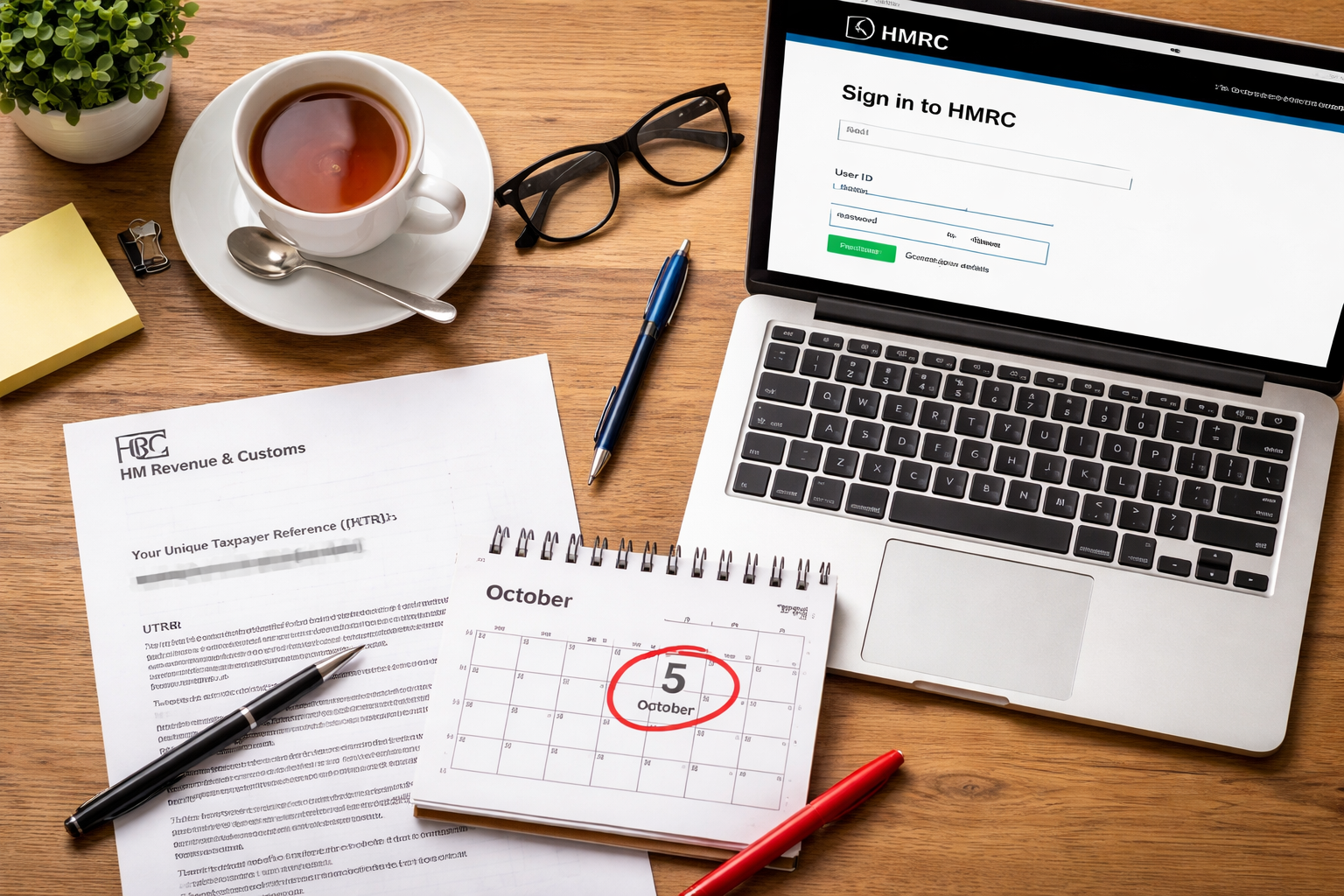
Let’s be honest — nobody wakes up on a Monday morning thinking “brilliant, today I’ll register for Self Assessment with HMRC.” Most people only start thinking about it once a business contact mentions it, a panicked WhatsApp lands from a friend who just got an HMRC penalty, or a confusing brown envelope drops through the letterbox. But knowing how to register for Self Assessment is far less frightening than the rumours suggest. The process is straightforward. The pain people experience almost always comes from one thing: leaving it too late.
This guide walks you through the whole thing — who needs to register for Self Assessment, exactly how to do it step by step, the deadlines that matter, and the bits that tend to catch people off guard. Whether you’ve just gone self-employed, picked up a second income stream, or realised mid-year that you probably should have sorted this already, read on.
Do You Need to Register for Self Assessment? (Genuinely Worth Checking First)
Before anything else — do you actually need to file? HMRC doesn’t make this obvious, which is half the problem. You need to register for Self Assessment if, in the tax year, any of the following apply:
- You were self-employed as a sole trader and earned more than £1,000
- You’re a company director (in most cases)
- You earned more than £100,000 through PAYE employment
- You have untaxed income — rental income, savings interest, dividends, freelance work, or foreign income
- You received income from a trust or settlement
- You need to claim certain tax reliefs or allowances that HMRC can’t handle through your tax code
- You have capital gains to declare
One situation that trips people up: if you or your partner received Child Benefit and either of you earned over £60,000 during 2024/25 (the threshold changed in April 2024), the High Income Child Benefit Charge kicks in — and that means a Self Assessment return becomes mandatory.
If you only had PAYE income, no other untaxed sources, and earned under £100,000 — you likely don’t need to register at all. HMRC handles your tax through your employer automatically.
Still not certain? HMRC offers a check if you need to send a tax return tool that takes about three minutes.
The Self Assessment Registration Deadline That Actually Matters: 5 October
Here’s where things get urgent for a lot of people.
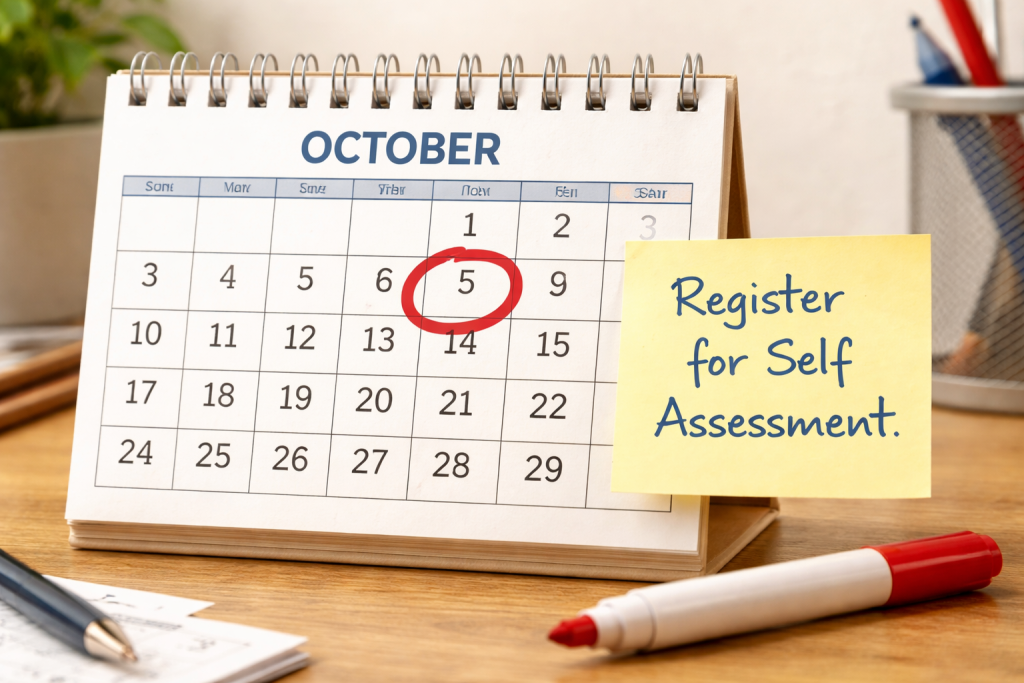
If you need to file a Self Assessment tax return for the 2024/25 tax year (6 April 2024 to 5 April 2025), you must register with HMRC by 5 October 2025. For the 2025/26 tax year, the Self Assessment registration deadline falls on 5 October 2026.
Why October? HMRC needs time to process your registration, post your Unique Taxpayer Reference (UTR) number, and get you set up before the January filing deadline arrives.
Miss 5 October and you’re not automatically done for — HMRC can still process late registrations — but you’re adding stress, compressing your timeline, and potentially triggering penalties if the late registration causes a late return. HMRC issues an automatic £100 penalty for missing the 31 January online filing deadline, and the figure climbs sharply from there.
For a fuller picture of all the critical dates, the 2025/26 Self Assessment tax return key dates guide lays everything out clearly.
How to Register for Self Assessment: A Step-by-Step Guide
Right. The actual process.
Step 1 — Create Your Government Gateway Account
Everything with HMRC online runs through the Government Gateway. If you’ve never used HMRC’s online services before, create an account first. Head to HMRC’s sign in page and select “Create sign in details.”
You’ll need:
- A valid email address
- A mobile number (for two-step verification)
- Proof of identity — typically your passport, driving licence, or P60
The identity verification step occasionally frustrates people. If the automated check fails, a fallback route exists using your tax credit claim or existing HMRC correspondence.
Step 2 — Choose the Right Self Assessment Registration Form
How you register for Self Assessment depends on why you need to register:
Self-employed / sole trader: Use HMRC’s CWF1 form. This also registers you for Class 2 and Class 4 National Insurance contributions at the same time.
Not self-employed but you have other untaxed income: Use the SA1 form — this covers rental income, investment income, directors’ income, foreign income, and similar situations.
Registering as a partner in a business partnership: Use form SA401 for individual partners and SA400 for the partnership itself.
Worth knowing: if HMRC previously removed you from Self Assessment during a gap in filing, you may need to re-register using the correct form rather than simply logging back in.
Step 3 — Fill In the Online Registration Form
Once you’re in the Government Gateway and have selected the right registration route, the form itself takes roughly 10–20 minutes. You’ll need to provide:
- Your National Insurance number
- Your date of birth and address
- For self-employed individuals: your business start date, business name (if applicable), and a brief description of your work
- Your contact details
The business start date matters. If you started trading in November 2024, HMRC wants to know — this determines which tax years you’ll need to report.
Step 4 — Wait for Your UTR Number to Arrive
After you submit your registration, HMRC posts your Unique Taxpayer Reference (UTR) to your registered address. This 10-digit number identifies you in the tax system and is required to file any return.
Postal delivery typically takes 10 working days, though it can stretch to three weeks during busy periods. Your UTR also appears in your Personal Tax Account online — but only after HMRC processes your registration, not instantly.
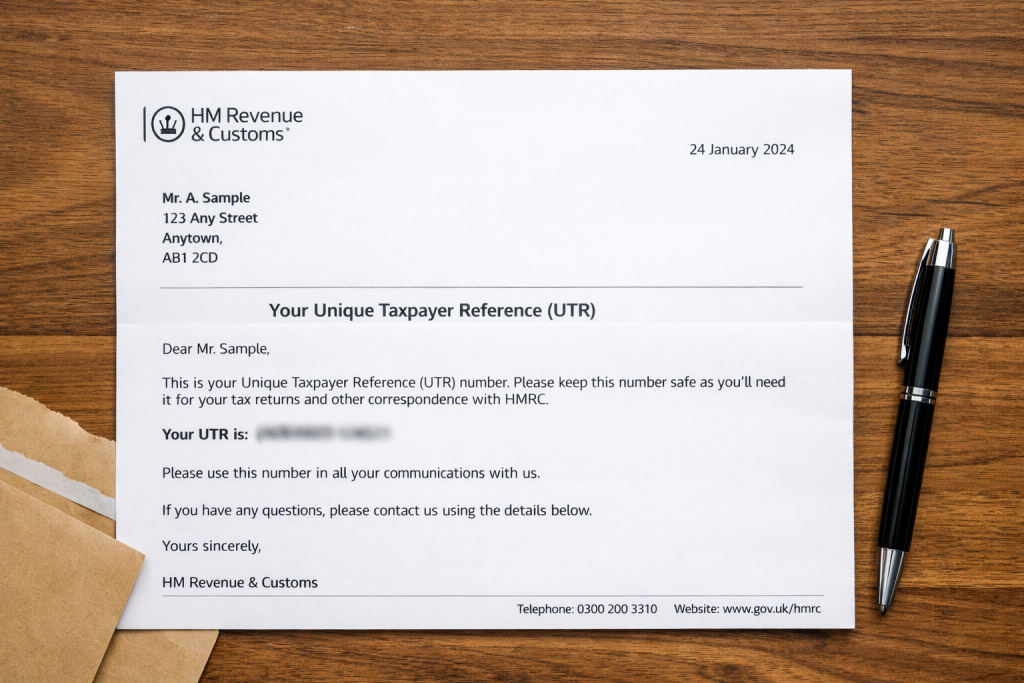
Keep that UTR somewhere secure. You need it every single year, and tracking it down again wastes unnecessary time.
Step 5 — Activate Self Assessment in Your Government Gateway Account
Once your UTR arrives, you may still need to activate Self Assessment within your Government Gateway account. Log in, navigate to “Self Assessment” in your services list, and follow the activation steps. HMRC sometimes sends a separate activation code by post — enter it within 28 days of issue.
The Self Assessment Registration Process at a Glance
| Step | Action Required | Approx. Time | Notes |
|---|---|---|---|
| 1 | Create Government Gateway account | 15–20 mins | Need NI number + photo ID |
| 2 | Select correct form (CWF1 or SA1) | 5 mins | Depends on your income type |
| 3 | Complete online registration form | 10–20 mins | Include business start date |
| 4 | Receive UTR number by post | 10–21 days | Also visible in Personal Tax Account |
| 5 | Activate Self Assessment online | 5 mins | May need second activation code by post |
| 6 | File return by January deadline | Varies | 31 Jan 2027 for 2025/26 returns |
What Changes When You Register for Self Assessment in 2026
2026 is a significant year for Self Assessment for one specific reason: Making Tax Digital for Income Tax (MTD ITSA) starts rolling out from April 2026 for sole traders and landlords with combined business or property income over £50,000 per year.
How MTD ITSA Affects Your Registration
Under MTD ITSA, instead of a single annual return, affected taxpayers submit quarterly updates to HMRC through compatible software, plus a final declaration at year end. If you earn above the £50,000 threshold and you’re registering for Self Assessment for the first time, you may already fall within MTD scope — meaning you’d need to sign up for MTD ITSA alongside your standard registration.
The £30,000 threshold follows in April 2027, with lower thresholds expected in subsequent years.
Who Needs to Act Now
Anyone unsure how MTD ITSA affects their 2026 Self Assessment registration should speak with an accountant before October. Practices like Ask Accountants UK Ltd in Merton, London handle this transition regularly as part of their Self Assessment service — and can confirm whether your registration needs to include MTD sign-up from the outset.
Key Self Assessment Deadlines for 2025/26
| Deadline | Date | What It Covers |
|---|---|---|
| Register for Self Assessment | 5 October 2026 | For income earned in 2025/26 tax year |
| Paper tax return filing | 31 October 2026 | Paper returns only — rarely used now |
| Online tax return filing | 31 January 2027 | Online submission + tax payment due |
| First payment on account | 31 January 2027 | 50% of estimated next year’s tax bill |
| Second payment on account | 31 July 2027 | Second 50% instalment |
Payments on account only apply if your tax bill exceeded £1,000 and less than 80% was collected at source through PAYE.
Common Self Assessment Registration Mistakes — And How to Avoid Them
Confusing “registering for Self Assessment” with “registering as self-employed.” These are related but distinct. Registering as self-employed via CWF1 does both simultaneously — but if you need Self Assessment purely for rental income or dividends, you don’t register as self-employed. Using the wrong form causes delays.
Thinking you only register once. Sort of true — your UTR number stays with you permanently. But if HMRC removes you from Self Assessment (which happens when you tell them you no longer need to file), you must re-register if your circumstances change again.
Losing the UTR number. This sounds basic but it genuinely gets misplaced. Your UTR appears on every letter HMRC sends — look for a 10-digit number, sometimes labelled “UTR” or “Your tax reference.”
The Payments on Account Trap
First-timers often budget only for paying last year’s tax by January. What they don’t expect is HMRC demanding a payment on account for the next year — potentially adding 50% on top of what they thought they owed. It can hit like a freight train financially. Understanding how payments on account work before your first bill arrives makes a real difference.
Can You Register for Self Assessment by Post?
Yes — though the process is slower and HMRC increasingly encourages the online route. Paper registration forms (CWF1 for self-employed, SA1 for others) are downloadable from HMRC’s website. After completing them, post to the address HMRC specifies. Allow extra time; postal registrations take longer, and HMRC sends any queries back by post too, adding further delay.
For anyone with complex circumstances — partnerships, multiple income streams, non-UK resident status — talking to an accountant before submitting any form makes sense. Getting the registration type wrong can mean amendments, follow-up forms, and protracted correspondence.
Getting Your Records Ready While You Wait for the UTR

The two-to-three week UTR wait shouldn’t be idle time. Use it to pull together everything you’ll need when you file:
- Sole traders: income and expense records from your first trading day in the tax year. If your bookkeeping has been chaotic — a folder of receipts, a rough spreadsheet — sort it now. Cloud accounting tools consolidate records quickly and many sync directly with bank feeds.
- Landlords: rental income received, mortgage interest paid, and allowable property expenses (letting agency fees, repairs, insurance)
- Employees with investment income: P60, dividend vouchers, interest statements from banks
- CIS subcontractors: CIS deduction statements from each contractor — these are critical for CIS refund claims
Good records make the return quick. Poor records make it painful — or expensive when an accountant has to reconstruct everything from scratch.
When to Get Professional Help With Your Self Assessment Registration
There’s a version of Self Assessment that works perfectly well as a DIY job: one income source, straightforward expenses, no unusual complications. If you went self-employed in 2025, earned a modest amount, and kept decent records — the registration and return process is genuinely manageable on your own.
When Your Situation Gets Complicated
Then there’s everything else. Multiple income streams, rental properties, company directorships, share disposals, foreign income, or simply being a busy freelancer with chaotic bookkeeping — these situations quickly tip the balance toward professional support paying for itself.
Ask Accountants UK Ltd at 178 Merton High St, London SW19 1AY works with sole traders, landlords, directors, and employees on everything from initial Self Assessment registration through to personal tax planning and tax compliance. The team also handles the more stressful end — HMRC investigations included.
If you’re not sure whether your situation warrants help, a short call often clarifies things: 020 8543 1991.
How to Deregister from Self Assessment
This one doesn’t get enough attention. If your circumstances change — you stop being self-employed, your untaxed income drops below the relevant threshold, you sell a rental property — you can tell HMRC you no longer need to file.
Contact HMRC and request deregistration. This stops HMRC from issuing return notices and avoids penalties for returns you don’t legally owe. Just make sure you submit and settle your final return year first.
Frequently Asked Questions About How to Register for Self Assessment
How long does it take to register for Self Assessment with HMRC? The online registration form takes 15–30 minutes to complete. After submission, allow 10–21 working days for your UTR number to arrive by post. From registration to being ready to file, the whole process takes roughly three to four weeks.
What happens if I miss the 5 October Self Assessment registration deadline? Register as soon as possible — HMRC can still process late registrations. However, if the delay causes you to miss the 31 January filing deadline, you’ll face an automatic £100 penalty. HMRC may consider “reasonable excuse” for late registration in some circumstances, but this isn’t guaranteed.
Can I register for Self Assessment without a National Insurance number? No. You need a National Insurance number to complete Self Assessment registration. If you’re a foreign national who hasn’t yet received one, apply for a National Insurance number before attempting to register.
Do I need an accountant to register for Self Assessment? Not legally. The registration process works as a DIY task for most people. But if your affairs are complex — multiple income sources, significant expenses, uncertainty about allowable deductions — professional guidance usually saves more than it costs. See what an accountant for the self-employed can do for you.
What is a UTR number and where do I find it? UTR stands for Unique Taxpayer Reference. It’s a 10-digit number HMRC assigns when you register for Self Assessment. It appears on all HMRC letters, in your Personal Tax Account online, and on previous tax returns. Once HMRC issues it, the number stays with you permanently.
Can I register for Self Assessment if I live outside the UK? Yes, though additional steps apply. Non-UK residents with UK income sources — rental properties, UK employment, UK business income — generally need to register. HMRC’s non-resident guidance covers the specific rules for your situation.
Need help getting registered or filing your Self Assessment return? The team at Ask Accountants UK Ltd handles registrations, returns, and everything in between — call 020 8543 1991 or visit 178 Merton High St, London SW19 1AY.